SmartThings Pet Care
Know More. Care Better.
SmartThings Pet Care is a free feature in the SmartThings app, available on Android and iOS and built mainly for dogs and cats. Keep your pet’s profile, vet records and walks in one place, and use devices already in your home to keep them comfortable while you’re out.
No paid tier, no card, and no new device needed to start.
Open Pet Care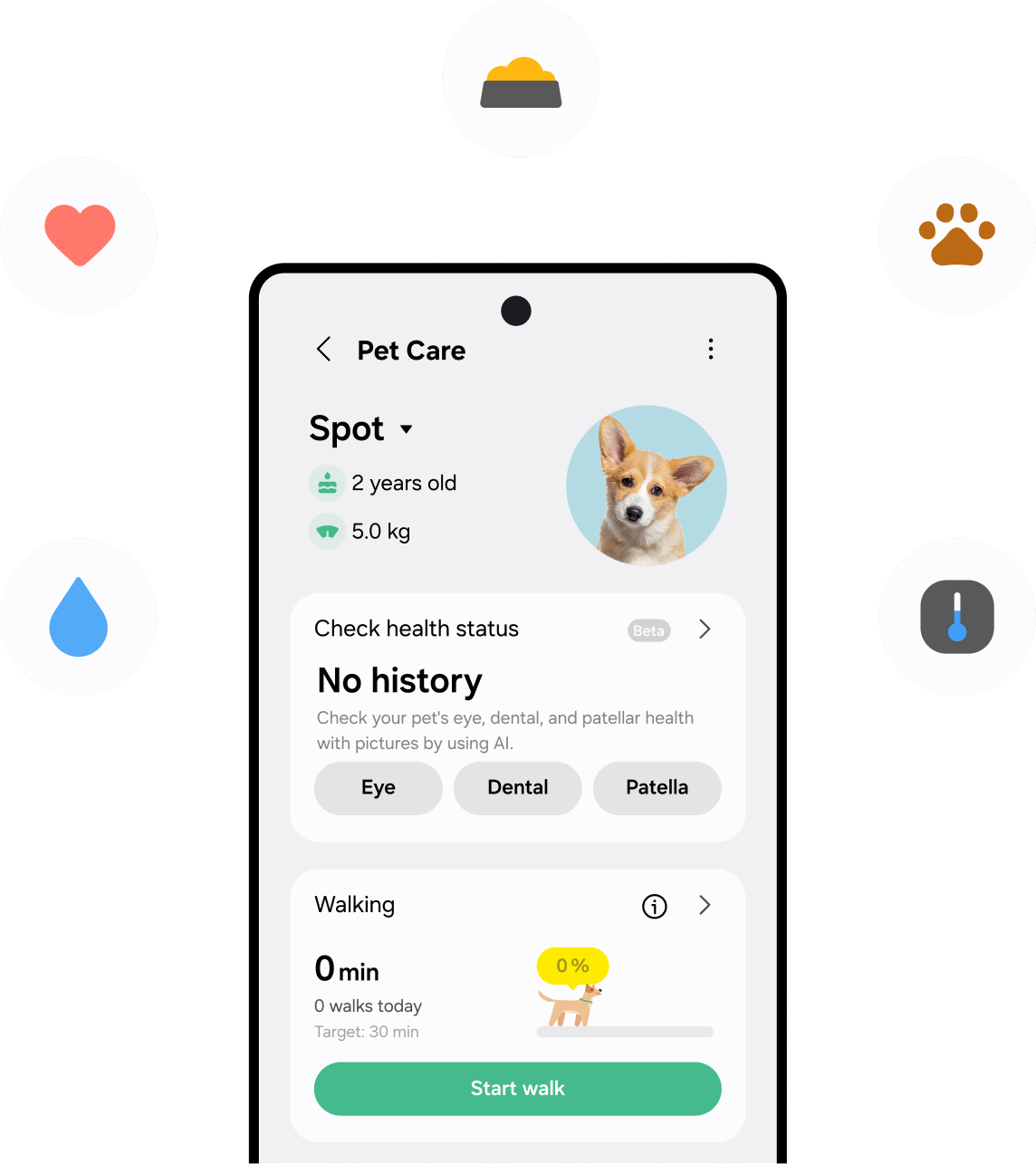
What is SmartThings Pet Care?
Your pet can’t tell you everything. SmartThings Pet Care helps you see more. It brings their walks, rest, vet records and home comfort together in the SmartThings app, so “When was their last vaccine?” and “Did they get a walk today?” are a tap away.
Pet Profile
Their name, breed and birthday, in one place.
Vet Records
Every vet visit, kept where you can find it.
Care Routines
Use connected, compatible Samsung and Works with SmartThings devices already in your home to keep your pet comfortable while you’re out.
Walks and Activity
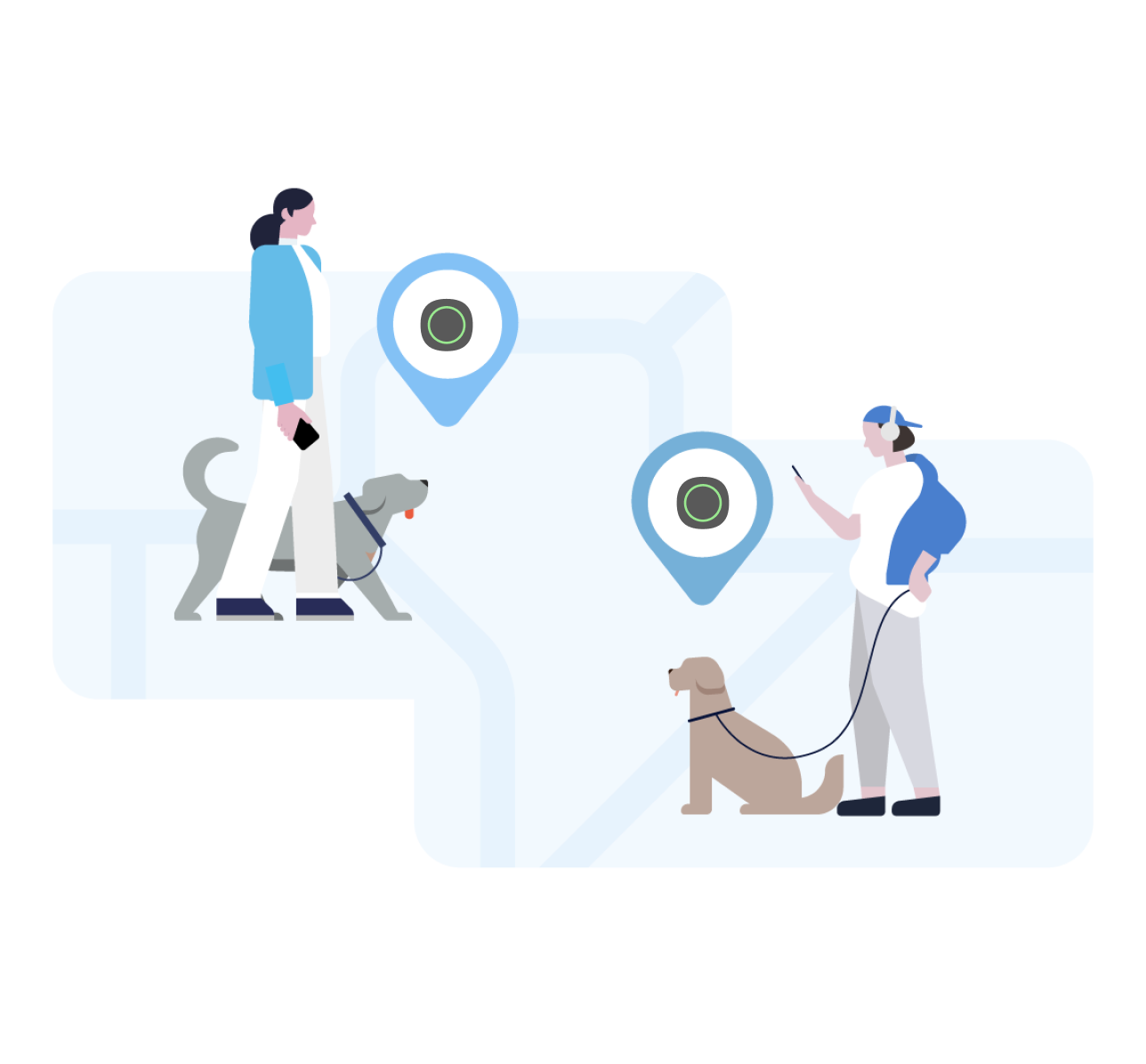
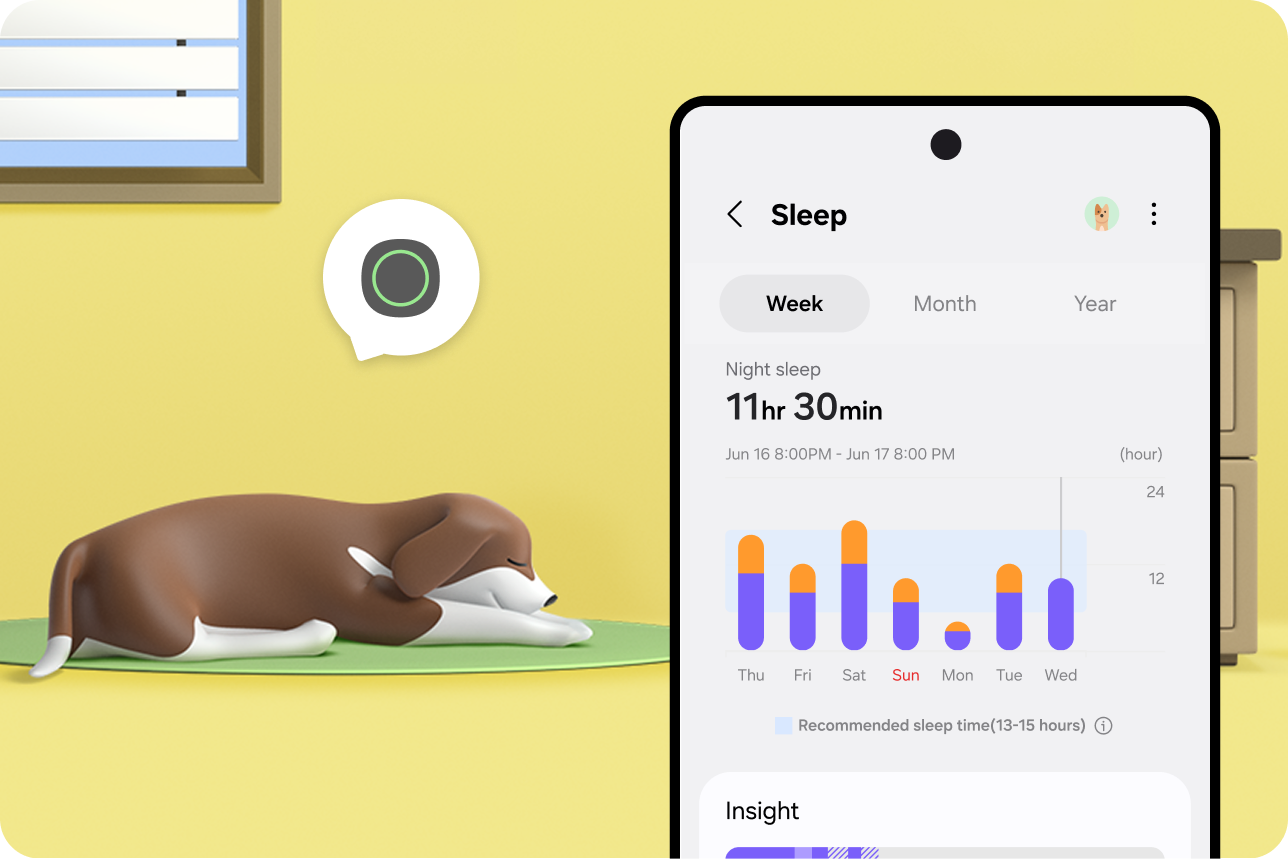
Log walks yourself, or add Galaxy SmartTag 3 (sold separately) for automatic walk detection plus rest and sleep information.


Care Routines keep your pet comfortable while you’re out
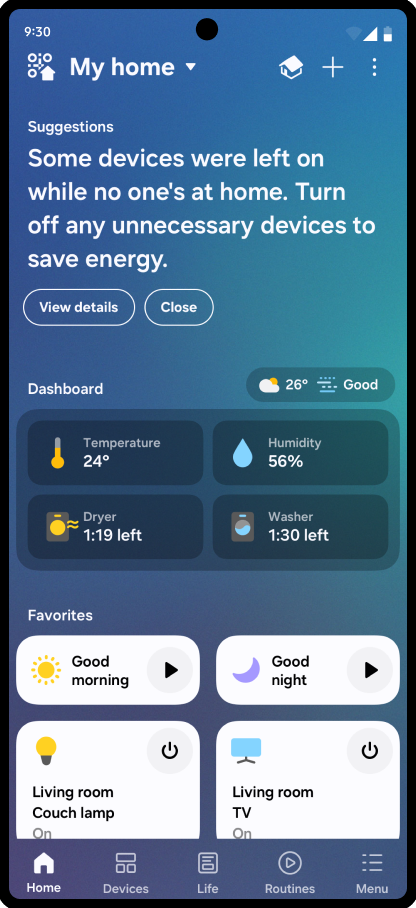
Care Routines are automations that use connected, compatible Samsung and Works with SmartThings devices already in your home. A routine is a trigger and an action: the trigger can be a time of day, you leaving, or the temperature crossing a line, and the action is whatever the device can do. “Works with SmartThings” devices are devices from other brands that work with SmartThings.
What Care Routines can do
Hold a room within a temperature range.
Turn a light on before dark.
Play low audio during the hours your pet is usually alone.
Run on connected, compatible Samsung and Works with SmartThings devices you already own.

What they can’t do
Know where your pet is in the house.
Tell whether your pet is comfortable.
React to anything they haven’t been given a trigger for.

Is SmartThings Pet Care free?
Yes. SmartThings Pet Care is free in the SmartThings app, with no paid tier and no card required.
- Free in the app: your pet profile, vet records, walks you log yourself, and Care Routines.
- With Galaxy SmartTag 3 (sold separately): automatic walk detection, sleep and rest information, and location history.
You don’t need to buy anything to start. Care Routines can use connected, compatible Samsung and Works with SmartThings devices already in your home, and if you have a Galaxy phone, you likely already have the SmartThings app installed.
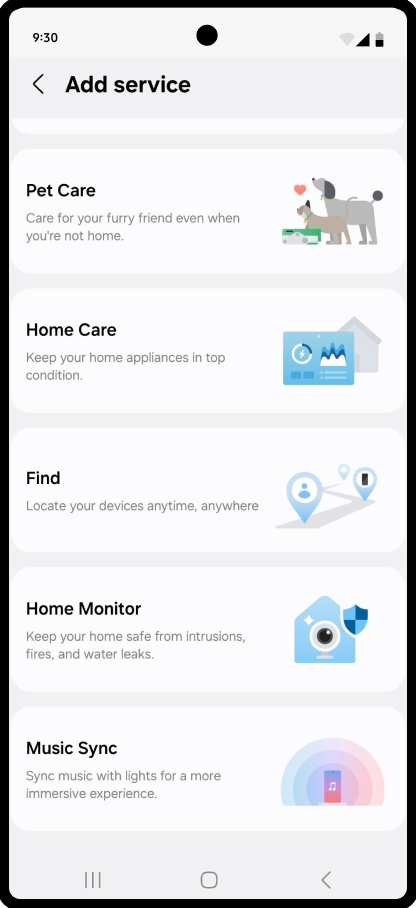
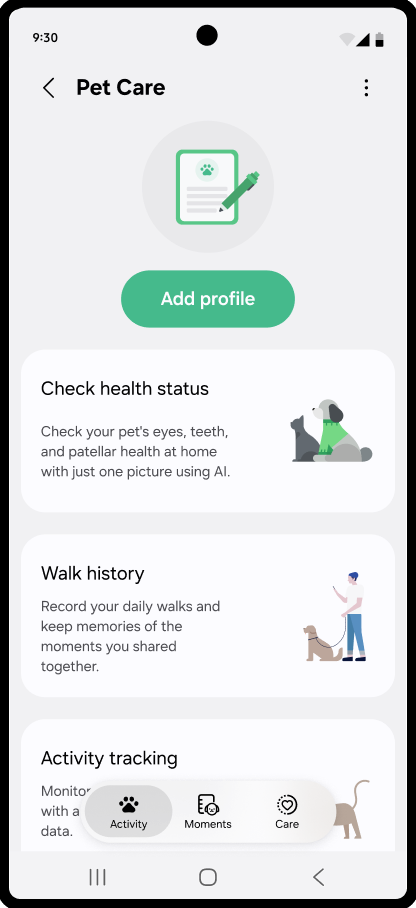
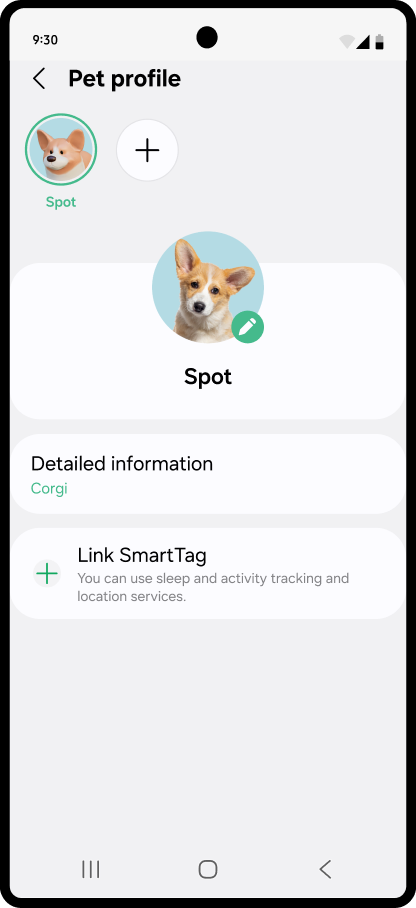
How to set up Pet Care
All you need is the SmartThings app and your pet’s name.



OPTIONAL · SOLD SEPARATELY
Add automatic walk tracking with Galaxy SmartTag 3
Pet Care logs your pet’s walks either way. Enter them yourself, or clip Galaxy SmartTag 3 to their collar. It detects when a walk happens and prompts you to log it, so you’re confirming a walk instead of typing one in. SmartTag 3 does the detecting. You confirm and see the insights.
- Walks: automatic walk detection, with a notification prompting you to log it.
- Rest: naps and sleep, with weekly and monthly sleep analysis.
- Location: location and location history.
Galaxy SmartTag 3 sold separately. SmartTag 3 is a tracker. It captures activity, rest and location. It does not monitor your pet’s health, and it is not a medical device.