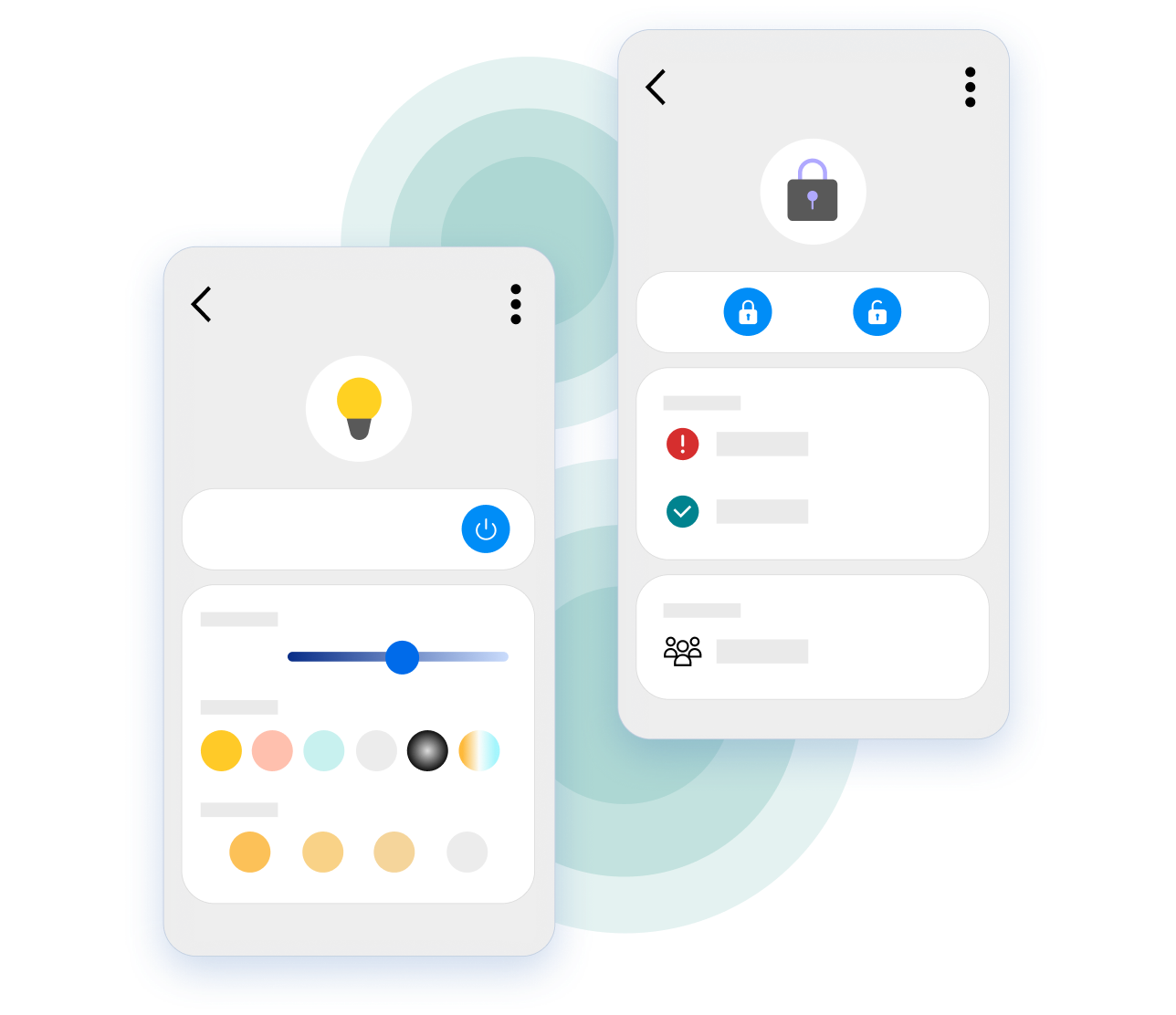
Your phone just became your front door key.
Own an Aliro-certified smart lock? Connect it to SmartThings and unlock with a tap or a walk-up using your Galaxy phone — then let that single unlock disarm your security system, adjust the thermostat, and turn on the lights.
Connect your door lock to SmartThings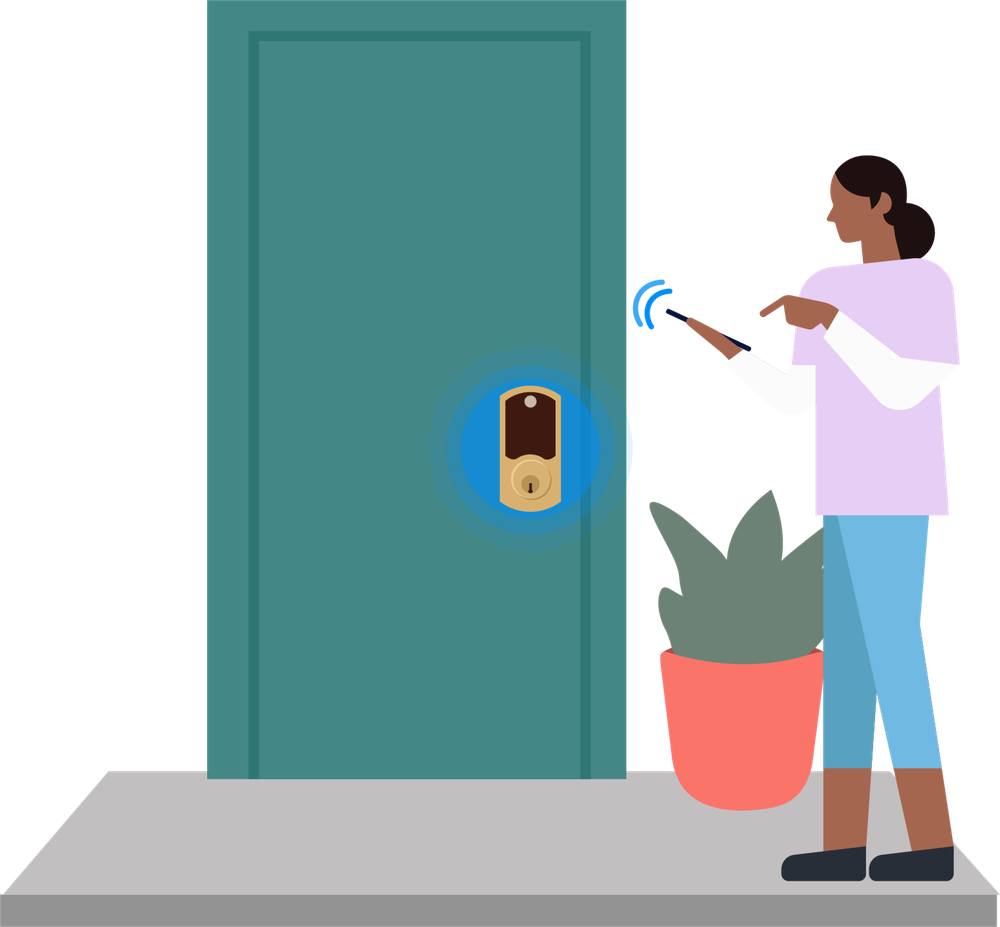
Which Aliro door locks work with SmartThings?
We're launching Aliro support with top lock brands including Aqara, Nuki, ULTRALOQ, and Schlage — with more to come. Aliro handles the access essentials on every certified lock — NFC tap-to-unlock, BLE, and UWB hands-free entry — though automation and digital key sharing features can vary by model and hub. Search your lock's brand or model on our Supported Devices page for the latest details — a dedicated Aliro filter is coming soon to make this even easier.



Why use an Aliro door lock with SmartThings?
- UWB & tap-to-unlock access
Enjoy hands-free entry via UWB or instant tap-to-unlock with NFC using your Galaxy smartphone and Samsung Wallet. - Automations that start the moment you walk in
A single unlock automatically triggers your SmartThings ‘I'm Home’ routines to adjust lights, thermostats, and security. - Secure digital key sharing
Share temporary or permanent digital keys directly from Samsung Wallet. No spare keys or third-party apps required. - Built on open standards
Powered by Aliro and Matter, SmartThings ensures your phone and lock work together perfectly, regardless of brand.
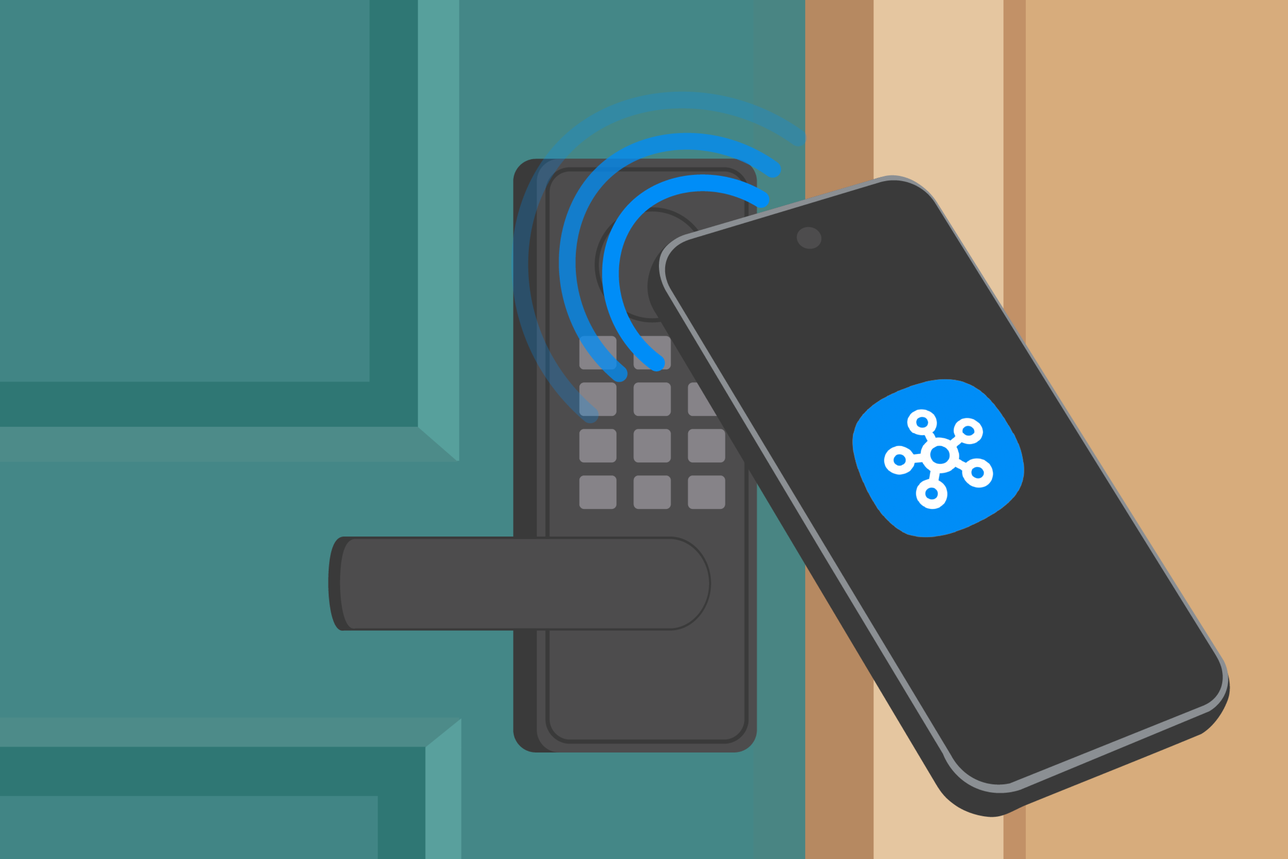
Connect your door lock in seconds
Connecting your Aliro door lock to SmartThings is effortless.
Check your hub
Make sure you have a SmartThings Hub, SmartThings Station, or a built-in hub (found in many recent Samsung TVs, monitors, and refrigerators). See if you have a hub here.
Scan to connect
In the SmartThings app, tap the + icon, choose 'Add device,' and scan the QR code on your door lock or its guide.
Add your digital key
Add your Digital Home Key to Samsung Wallet to start unlocking with a tap or a walk‑up — and share keys with family in seconds.
Building the future of home access?
Join our Early Access Program to reach SmartThings households — no custom API required.
Become a Partner